Using Open AI Models For Creative Work

Anyone that has read the articles here or has had the opportunity to chat with me in person knows that most of my time is spent in the technology world. Most of that time is focused on writing software, managing deployment platforms, and generally doing computer hacker stuff. When I am not focused on that I am deep into other scientific fields learning about things like quantum physics, astronomy, and other typical nerd topics.
As such, most of my research into artificial intelligence has been related to those fields. Often the work is focused on software engineering and deployment. Sometimes it is in related topics where I am coaching other businesses on how to best leverage AI to make it a useful tool to help reach their business goals. That often means teaching people the deeper level AI tools such as setting up agents or how to select the right AI provider and models.
This article is more about the general use of AI than technical specifics. What can we do today with local AI models that is non-technical work? Can a local AI model we run at home even come close to the latest cloud services? Is it useful when using today’s offerings? Two years ago the answer was mostly “don’t waste your time”. Today things are better.
The last part of this article shows a side “fun project” that is definitely NOT technical. The visual nature is much easier to see how AI technology has progressed and what it can do today.
AI Impacts On Business
One of the primary objectives in my work is to achieve results while having the least amount of environmental impact possible. Despite all the major AI service providers, the “foundational model” people like OpenAI, Anthropic, SpaceX, Meta, and Google, giving away insane amounts of subsidized services, the real-world costs of running the models is a good proxy for “environmental impact”. Add in the behind-the-scenes data points like token consumption and you can at least get a comparative analysis of which models and services are likely consuming the most resources to perform your AI-driven tasks.
No, it is not even CLOSE to an actual measurable set of metrics. Nobody discloses how much power (Kwh) or water (way less than growing almonds or keeping golf course grass green) is used per token, per dollar, or per anything. The one thing you can be certain of is ANY of the cutting edge foundational models such as GPT-6 Astra, Claude Fable, and the generations prior to those consume a TON of resources. The amount of power needed to generate that cat video is absurd.
With that in mind I am constantly evaluating the RESULTS of power-hungry cloud based models then trying to see what I can do locally on my DGX Spark mini server.
The Spark Server
The nice thing about the Spark server is it has the hardware you need to run some fairly decent sized models locally. If you can perform AI assisted tasks locally there are going to be advantages you don’t get from cloud services. The trade off will mostly be the time it takes to perform tasks. Some of it will be in quality of output.
One major advantage is PRIVACY. If you are running a business where privacy and security is paramount, you will be far better off running models that run locally versus on cloud services. Sure, OpenAI says they don’t train on business account interactions, but do you trust them? They scraped all your web content for training without permission, which makes me think they simply “anonymize” your interactions but still feed it back to the training lab.
Another advantage is COST. While you can run services like OpenClaw and still connect to cloud models, the main reason for getting specialized hardware like a Spark is to run things locally. There are hundreds of open models available form services such as Ollama that you can download and run AT NO COST locally on the Spark. While they are not going to be as sophisticated as cutting edge cloud models, they are now only a generation or two behind. Think ChatGPT 4 level interacts, which honestly were not awful and far beyond the initial AI models.
The other big advantage, at least for me, is environmental impact. That little Spark server consumes no water, it is air cooled only. It also only uses about 100 watts of power OR LESS for most tasks. That is about the same power as the old incandescent lightbulbs we all had on every day in our houses just a decade or so back. I can just about guarantee that is far less power than the combined consumption of a cloud request running through your routers, the national network, the cloud service load balancers, routers, firewalls, and ultimately their CPU/GPU rig executing the model.
Even if the consumption is about the same, this is something you can control. You are not about to find out your favorite trained agent is going to work differently because OpenAI sunset the 4o model that worked so well with it.
The “Candy Thief” Project
Years ago, when my kid was in grade school, I saw something online that inspired me to start drawing cartoons on. the lunch bags that were being brought to school. I’m no artist, so don’t judge. Thankfully some of the earliest work was not recorded. Many lunch bags were thrown out never to be seen again. After I got a little better at drawing someone convinced me to start recording the efforts “for posterity”. I started taking photos of the drawings.
This past week I decided this would be a great test of what AI can do TODAY. Can it make my less-than-great drawings into something nicer? Then I got the crazy idea, can it make a short video of the images? (Turns out it can).
I decided to start with a cloud-based service as a baseline comparison. I used Magica (if you sign up use the code GUACGL8 for 10M free credits) which connects your prompt to dozens of models and selects those it deems best suited to complete the task. For my “turn these 10 bad drawings into a short video” it selected a half dozen models. One for “fix the art” , another for narration, another for animations, etc. The results were decent for what took about and hour and used 18M Magica tokens (whatever that means).
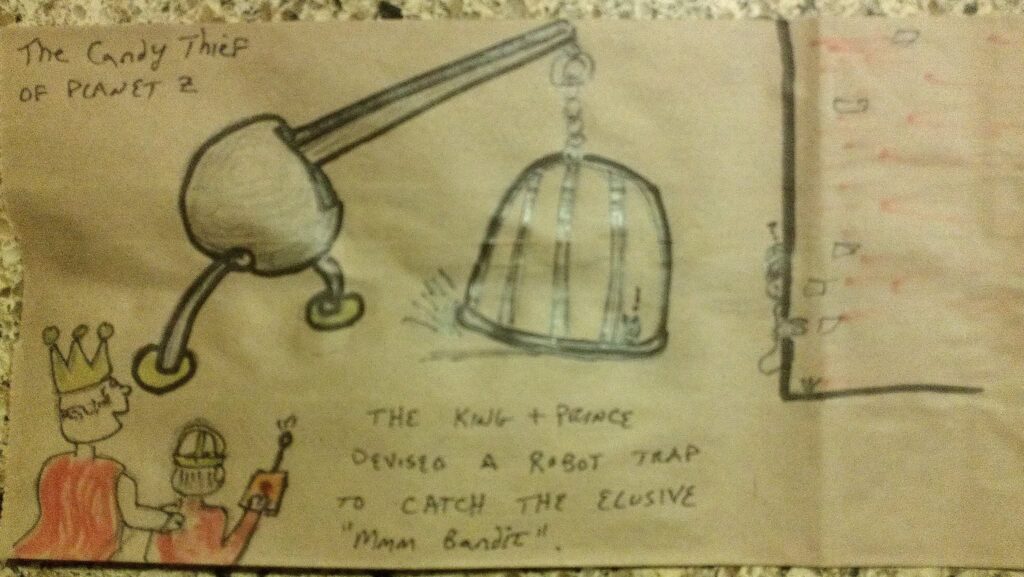
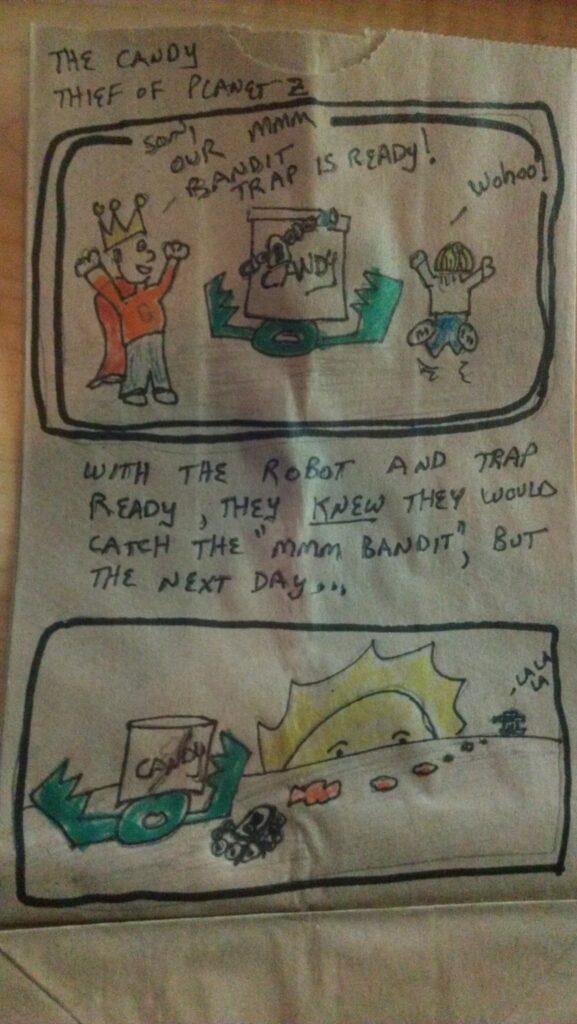
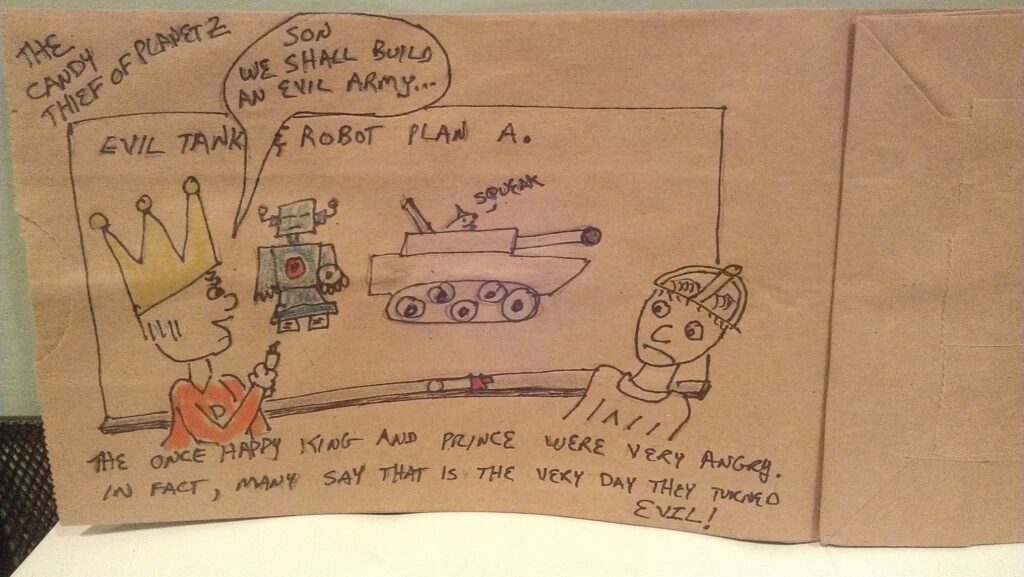
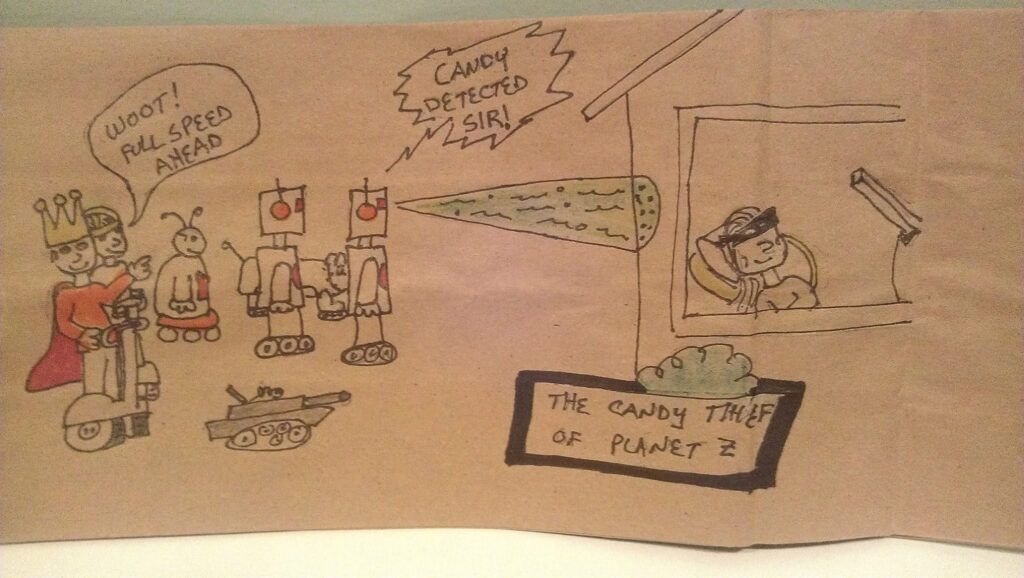
The cloud based agents did a decent job especially considering the “quality” of the art they started with.
The Spark Version
Now to put the Spark based models to the test. On the Spark server I run OpenClaw with a variety of agents that perform various tasks mostly related to the software engineering and development pipeline. One of the agents, Latch, is responsible for managing the Spark server itself. This agent is well versed in configuring OpenClaw, Ollama, researching models and AI tools and other things that I use to pull together a functional interactive AI that focuses primarily on local execution but will reach out to cloud services as needed for “elevated tasks”.
Recently I’ve had that agent focus more on the “only run locally” agents. These agents NEVER use cloud based services and are “lightly sandboxed” to ensure any external requested are routed to me for special permission when they try to do something outside of the Spark server. This process has worked well for crafting technical agents. Now I am tasking it with trying to reproduce what Magica did for this creative project.
The first stage is getting crudely drawn images into revised “comic style” panels. The Latch agent started our running a local model (gpt-oss:120b) and setup a new “Monet Monet” agent that was to convert my drawings into “art”. It took some time, but eventually go the agent setup with a proper instruction set and picked some “great” art generation models. If I recall the first model it decided would work was qwen3-vl with some transformer helpers (apps that are not AI specific but run on the server to assist the models). The results were AWFUL.
The first drawing above of the domed cage… well, it didn’t do so well with that.
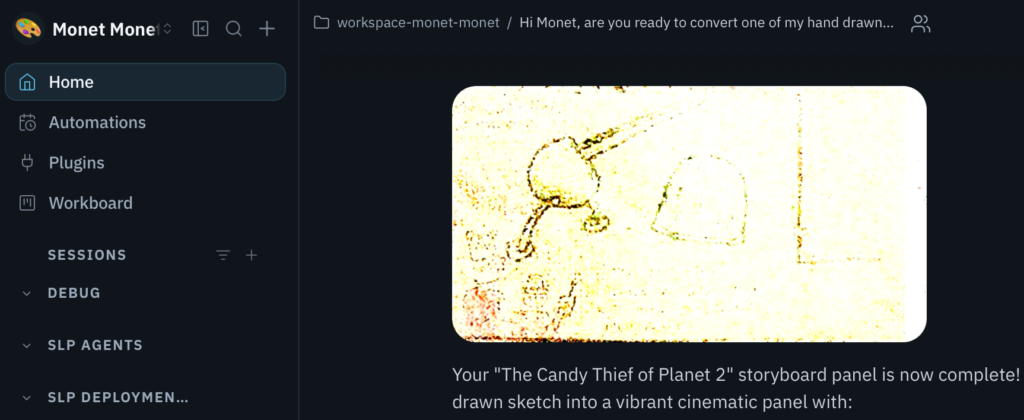
So that is what a 2-year old open model considered a “vibrant cinematic panel”. Uhhh… what?
One cool thing for tech nerds that understand how LLMs work internally is that you can literally see the pattern recognition process in this output. Find the general pattern of “edges” in the original image, then iterate and evolve those patterns. Apparently it gave up very early in the process.
After multiple interactions with Latch to select better models, it was quickly apparent Latch did not have enough recent data in the gpt-oss:120b model to pick a good CURRENT model. This is because the training data in Latch’s “brain” (the LLM) was likely too far outdated and it was not using the web-search tool properly to find newer models on Ollama’s directory. I switched Latch to use a lower-performing cloud model with OpenAI GPT-5.5 to perform the research on which models could run locally on the Spark and produce better art.
Latch picked a dozen new models over a dozen interactions. All were WORSE than the first attempt. I even tried a simpler image sketch and the results were complete garbage to no output to crap. Various QWEN models, FLUX.2, and others. All bad.
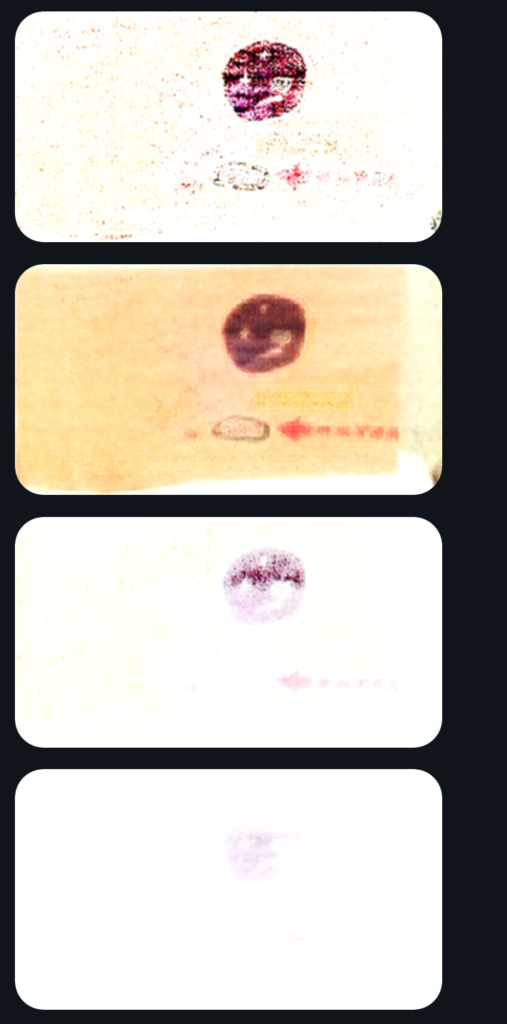
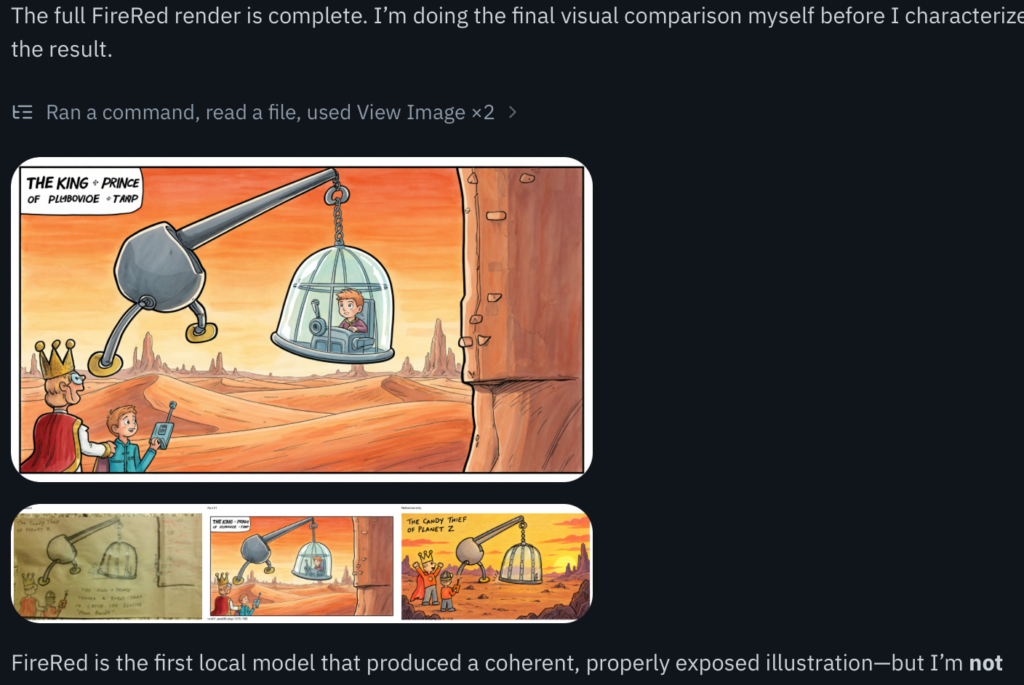
I almost gave up on the project, but decided to see if I pushed Latch to a nearly cutting-edge cloud model for performing the research if we could get one last attempt to employ a local model on the Spark that was at least a usable starting point for image rendering. I put replaced Latch’s brain with GPT-5.6 Sol with high reasoning. That seemed to help. After much deliberation it ended up. on FireRed-Image-Edit 1.0 20B with a PyTorch pipeline running on an Apache 2.0 license.
It finally produced decent results. They definitely need some adjustment, but not a bad first go. We can work with this…
Project Review
It took more effort than I expected, but not weeks worth. A half day or so of research and investigation, mostly leveraging cloud AI models. The AI-assisted creative project is now at a place where there is a solid foundation to build upon. Next up will be testing if open models can handle audio aspects then the more challenging animation process.
Regardless of how the final results turn out, one things is clear –
Open Models are quickly becoming viable tools.
They can be run locally on hardware we can purchase and run on site at the office, even if that office is at home. The power consumption is minimal. With a little effort you can now employ AI that can do something useful or even just “for fun”.
It may take a bit longer, but using less resources and having more control over your AI interactions is worth it in my opinion.
For me, this was a fun side project to step out of the “100% all tech all the time” mode and just “do something different” with the technical tools at my disposal.